When
Choose it for exploration
Then
Use it to test visual directions, generate mood boards, brainstorm characters, or compare several treatments of one idea.
It reduces the effort of producing a first visual draft when the concept is still changing.
A simple definition
What is imagine art? It is a creative AI process that turns written descriptions into visual concepts, helping people explore scenes, styles, characters, products, and ideas without starting from a blank canvas.
The basic process
The workflow is simple, but the quality of the result depends on how clearly you describe the subject, visual treatment, composition, and intended mood.
Write a prompt that names the subject and adds useful direction such as setting, lighting, perspective, color, material, or artistic style.
The image model translates language into visual patterns and produces an interpretation of the requested scene. It is a starting point, not a guarantee of exact intent.
Inspect the result, identify what feels wrong or missing, then adjust the wording, composition, or visual references and try again.
Continue exploring
Definition is only the starting point. These related guides cover the online experience, beginner workflows, and the text-to-image format in more detail.
Set expectations
AI image creation is useful for exploration and iteration, but it still needs human judgment. Knowing the difference helps you choose the right task and assess each output fairly.
When
Then
Use it to test visual directions, generate mood boards, brainstorm characters, or compare several treatments of one idea.
It reduces the effort of producing a first visual draft when the concept is still changing.
When
Then
Use a clear prompt, reference image, or repeated revisions when composition, subject details, and style need to move closer to a specific goal.
The strongest results usually come from an iterative conversation between your instructions and the generated image.
When
Then
Do not assume every hand, label, face, object relationship, or factual detail will be correct without checking it.
Generated imagery can contain visual errors, unexpected interpretations, or details that require manual correction.
A useful mental model
These simple markers describe the page's core workflow rather than promising a fixed output or a particular level of quality.
Before you begin
You do not need a traditional art background to understand the workflow, but a few simple inputs make the first experiment more useful.
A clear subject or visual idea
RequiredState what should appear before describing the style.
A few concrete visual details
RequiredAdd setting, lighting, colors, materials, framing, or mood when they matter.
A willingness to revise the prompt
RequiredTreat the first output as feedback about your instructions.
A reference image or visual target
OptionalOptional, but helpful when you need to communicate a composition or aesthetic.
A final-use check
OptionalReview text, anatomy, object details, and suitability before sharing the result.
From words to visuals
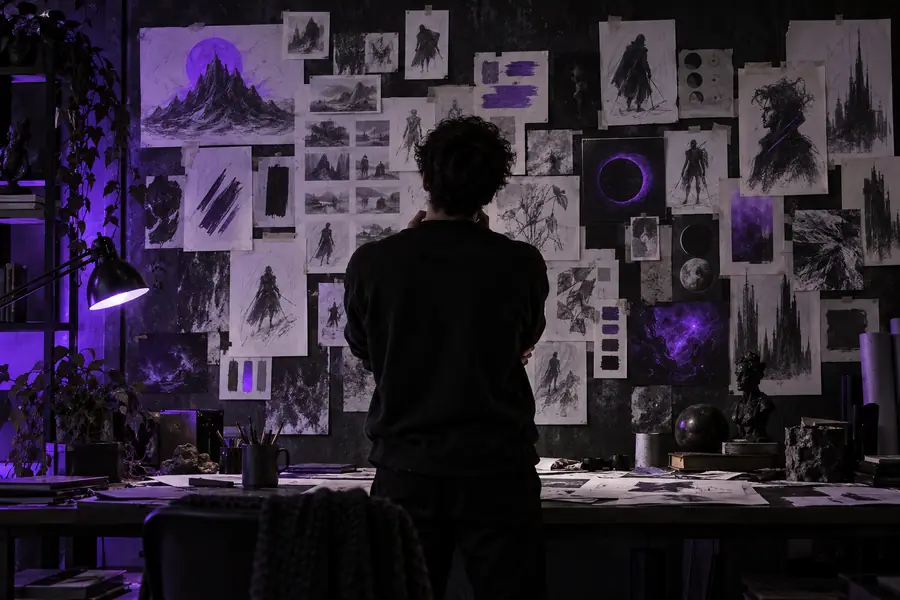
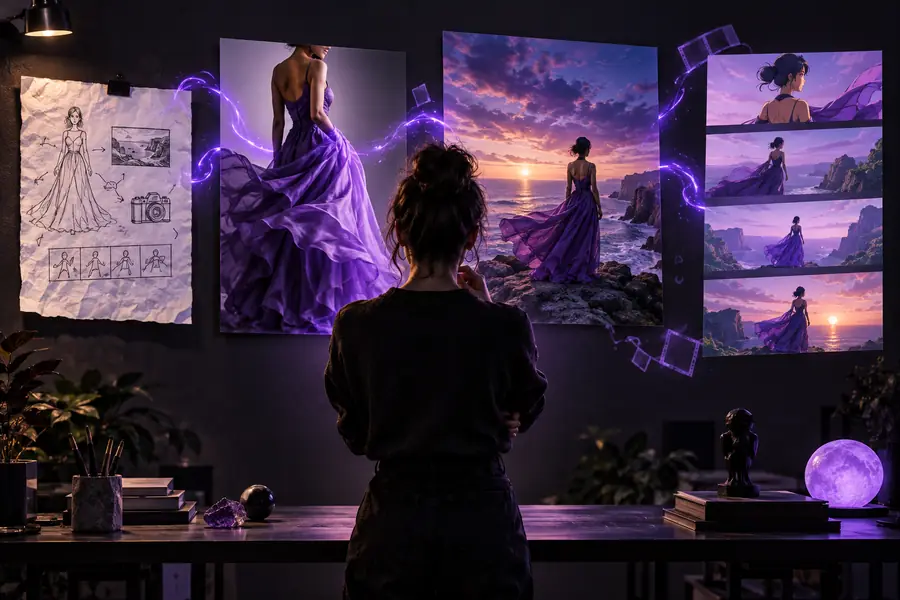
The same concept can move from a broad verbal idea to a more directed visual brief. The difference is not magic wording; it is the useful detail added between attempts.
A prompt becomes more useful when it explains what matters most in the scene.
A brief evolution
The format developed alongside broader changes in digital image-making. Its current value comes from combining fast visual exploration with human selection and editing.
Creators commonly used words, thumbnails, reference boards, or rough drafts to communicate a visual direction before production.
Generative systems made it possible to test an image concept directly from a written description, even when the creator could not draw it.
Users learned to improve results by specifying subjects, composition, lighting, materials, perspective, and unwanted elements.
Designers, marketers, storytellers, educators, and curious beginners use generated images to explore possibilities before choosing what to develop further.
Common question
Here is the essential answer to the question behind this guide, with the surrounding details kept clear for a first-time reader.
ImagineArt is an AI-assisted image creation tool and workflow that turns written ideas into visual concepts. You describe what you want to see, review the generated result, and refine the direction when needed.
No. Traditional digital art usually involves directly drawing, painting, modeling, or editing with manual control. ImagineArt uses generative AI to propose imagery from instructions, while a person still guides the idea and judges the result.
People can explore scenes, characters, product concepts, portraits, environments, mood boards, and stylistic variations. The exact result depends on the prompt, the selected workflow, and the amount of refinement applied.
No drawing background is required to understand the basic process. Clear descriptions and a willingness to review and revise are more important for getting useful early results.
No. Generated images may include incorrect anatomy, lettering, object details, or interpretations that differ from the prompt. Treat each output as a draft to inspect rather than assuming it is ready for every purpose.